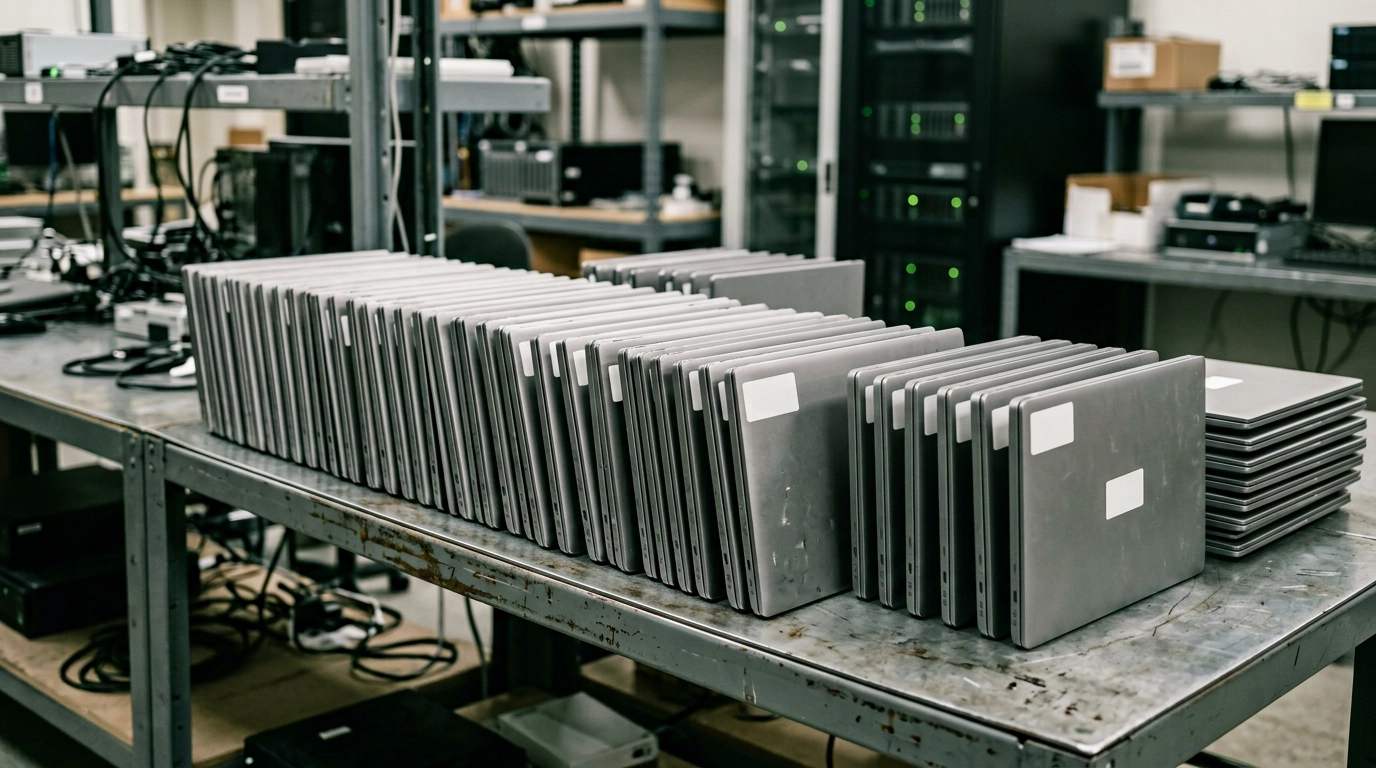
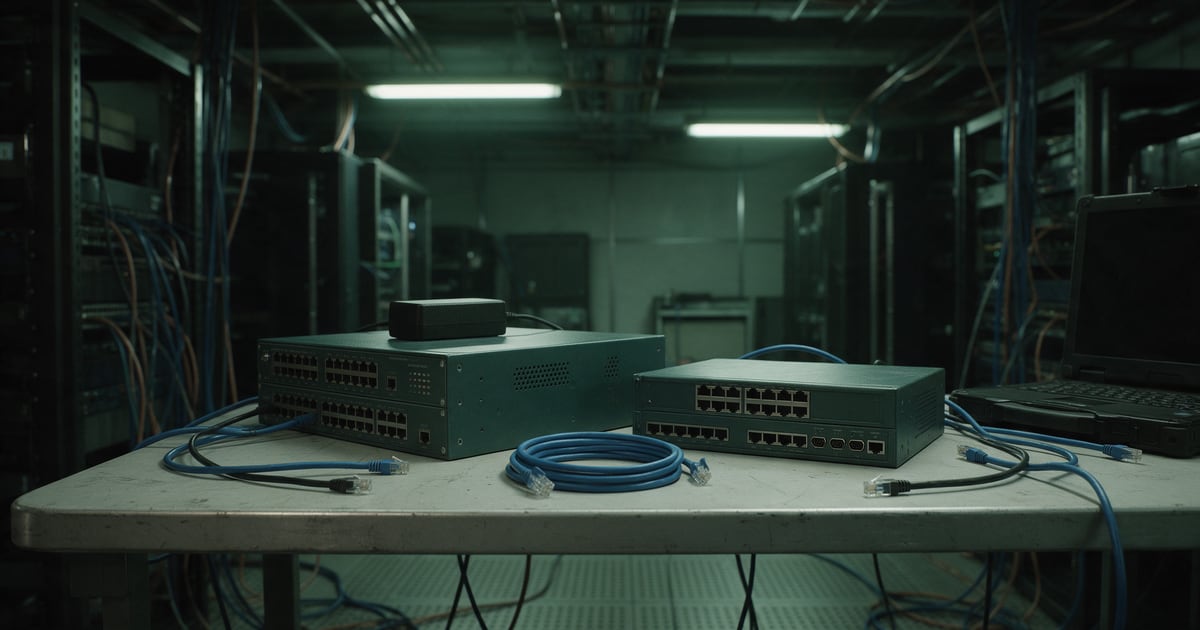
SonicWall has told every customer still running one of its Gen 6 firewalls to replace it immediately. The whole range is now out of support, and the company says no security fix will be issued for it again, however serious the flaw. For the many small offices and branches that rely on these boxes, that means a replacement job this winter, and an old firewall that needs a plan of its own.
This piece sets out what SonicWall has said, which models are affected, and what to do with the firewall that comes out.
What SonicWall has said
The product advisory, published on Wednesday 18 November, is unusually blunt. It tells customers to replace Gen 6 firewalls "immediately" and to stop using them where the office network meets the internet. It says SonicWall no longer releases updates or security fixes for the range, "whatever the severity of a newly found vulnerability, including Critical".
The advisory also closes the usual escape routes. Support for Gen 6 "can no longer be purchased or renewed", and the company says it will not make an exception for a critical flaw. One line sums up its position: "A working firewall is not a secure one."
Which firewalls are affected
The advisory covers every Gen 6 and Gen 6.5 model, including the virtual versions. That takes in the small TZ and SOHO units found in shops, surgeries and branch offices, and the larger NSA, NSa and SuperMassive models used at head offices and data centres.
Support did not end for all of them on one day. According to the table in the advisory, the dates run from 8 March 2024 for the NSA 2600 to 1 October 2026 for models including the TZ350, TZ500 and SOHO 250. Some of these firewalls have been without fixes for more than two years. The newest additions lost them seven weeks ago.
Why the company is pressing now
SonicWall gives three reasons, each attributed to outside research. It says firewalls and VPN devices were the way in for 22% of breaches that began with an exploited flaw, up from 3% a year earlier, citing Verizon's 2025 breach report. It says attackers are exploiting new flaws faster. And it says they are using automation and AI to find unsupported devices on the internet.
The point that matters most for an old firewall is this one, in SonicWall's words: "Every fix is a map." When a flaw affects several generations, the newer firewalls get a fix and the public notice shows attackers where to look on the older ones.
It is worth saying that SonicWall sells the replacement, and the advisory recommends its own Gen 8 range. That is a commercial interest. It does not change the underlying fact, which is that a firewall receiving no fixes gets less safe every month it stays connected. Help Net Security notes that US authorities have flagged three SonicWall firewall flaws used by attackers in roughly the last two years.
The old firewall is not finished when it is unplugged
SonicWall's advice stops at the replacement. Ours starts there, because of one detail in the advisory. It reassures customers that they do not have to rebuild their settings: supported settings "migrate" from the old firewall to the new one.
That is convenient, and it has a consequence. The settings are copied, not moved. The old firewall still holds them when it is lifted out of the cabinet: the layout of your network, the logins used to manage it, and the details of your remote connections.
We covered what that can mean in our guide to retiring routers, firewalls and switches. Researchers at ESET bought used business routers on the second-hand market and reported that more than half still held sensitive company data. In our experience, firewalls leave in exactly this way: with the network refresh, into a cupboard, and later into a skip or an online listing.
Five things to do
- Find every one. SonicWall asks customers to identify every Gen 6 firewall, "including spares and branch units". The spare on the shelf counts. So does the one at the site nobody visits.
- Replace the exposed ones first. The advisory puts firewalls that face the internet or provide remote access at the front of the queue. Your IT provider can tell you which those are. SonicWall lists interim steps for the meantime, and is clear that they "do not make an unsupported firewall secure".
- Wipe the old firewall once the new one is proven. Not before, in case you need to go back, and not never. Ask whoever does it to confirm in writing that the settings are gone.
- Change what the old firewall knew. In our view, the passwords and shared secrets it held should be changed as part of the move, so that anything left behind on the old unit is worthless.
- Keep a record of where it went. Serial number, date, who wiped it and who took it away. Old firewalls are electrical waste and need a proper route, not the general bin.
For disclosure, Nanosoft provides secure data destruction and IT asset disposal, including for network equipment, so weigh the above accordingly. Every fact here can be checked against the sources linked in the text, as they stood on 19 November 2026.
The honest summary
If your office runs a SonicWall Gen 6 firewall, its maker now says it cannot be made safe and should be replaced without delay. Do that, starting with the ones that face the internet. Then finish the job: the old box still knows your network, so wipe it, change what it knew, and record where it went.
Nanosoft Team
Writer at Nanosoft - covering ITAD, data security, and sustainable technology lifecycle management.
Found this useful? Share it.