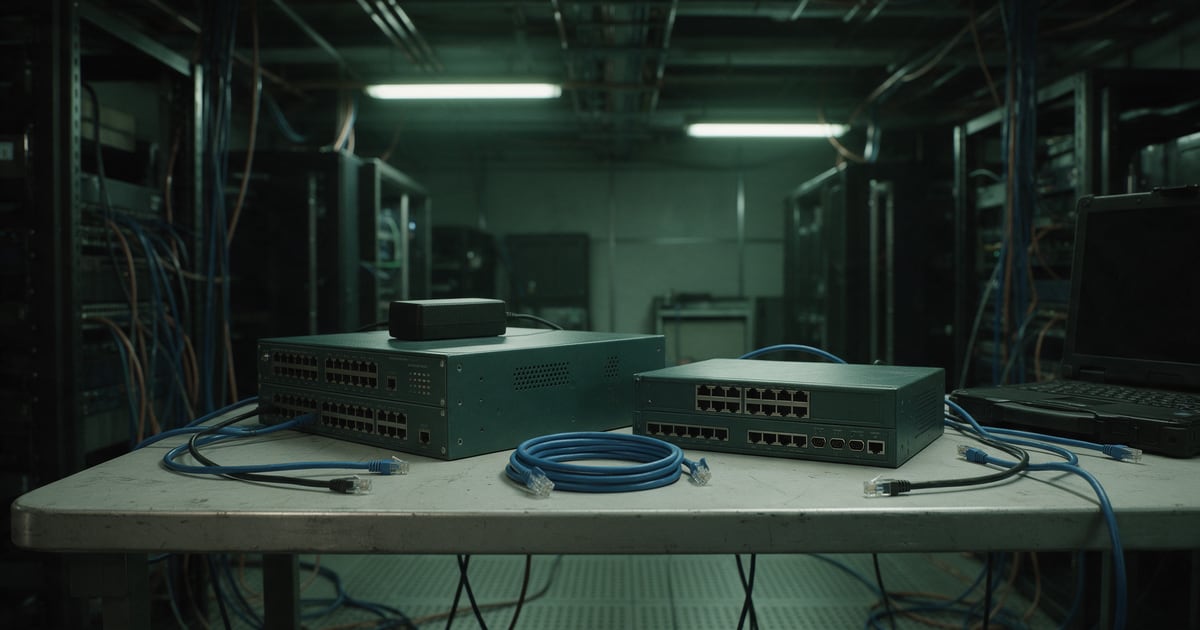
When a firewall, router or core switch is retired, it usually leaves with the network refresh and nobody thinks of it as a data device. But it holds a map of your network, the passwords that manage it and the keys to your VPNs. Wiping it matters. So does changing everything it knew.
Laptops and servers have well-understood disposal routines. Network equipment often falls between teams: too technical for facilities, too routine for the security team. This piece covers what the research found, what a proper wipe looks like, and the step most disposal plans leave out.
What researchers found on second-hand routers
In 2023, researchers at ESET bought used enterprise routers on the second-hand market. They report that "A total of 18 routers were acquired, one was dead on arrival, two were a mirrored pair so we counted them as a single unit." That left 16 devices to examine.
According to ESET's announcement, nine of the 16, over 56%, still contained sensitive company data. The list included administrator logins, VPN details and cryptographic keys, certificates, network layouts, remote office locations and, in some cases, customer data.
ESET tried to tell the organisations involved. It says some treated it as a full security breach, while others were "shockingly unresponsive." ESET's Tony Anscombe put the problem simply: "There are well-documented processes for proper decommissioning of hardware." The routers had not been through them.
Why network kit is different
A laptop mostly holds data. A router or firewall holds access. Its configuration can describe every subnet, every remote site and every trusted connection. It stores, or can reveal, the credentials that manage it and the secrets it shares with other systems.
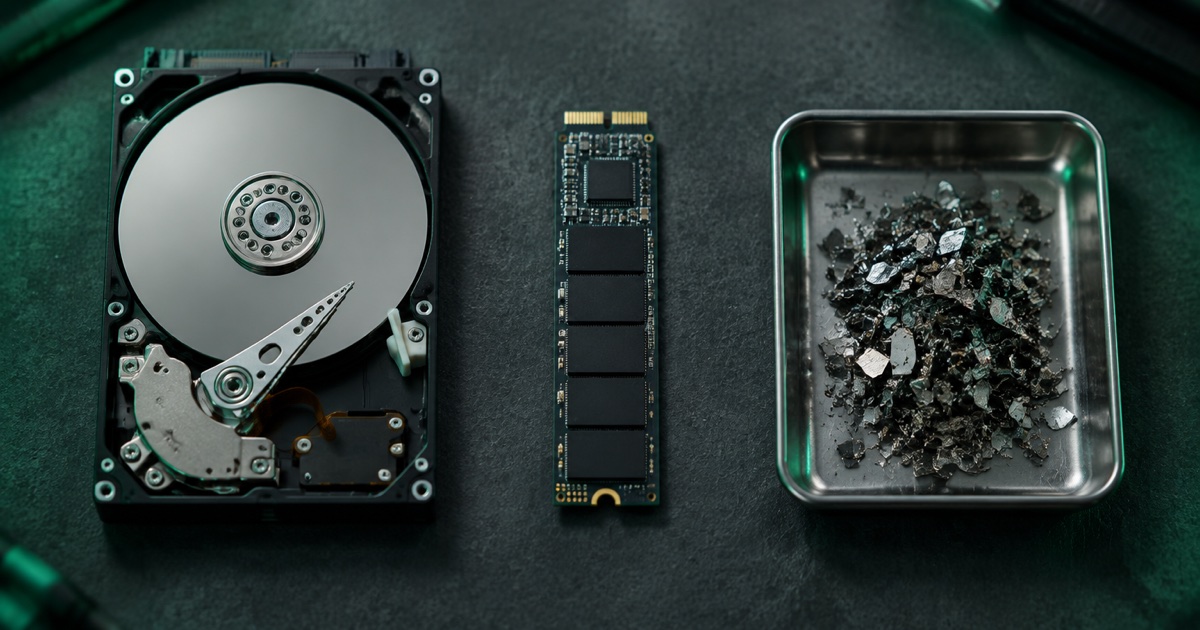
NIST SP 800-88 Revision 2 lists "networking devices" alongside hard drives, phones and office equipment as information storage media. They need the same care at end of life, and they are rarely given it.
What a proper wipe looks like
The manufacturer's own sanitise function is usually the starting point. Cisco is a good example of how specific the details are. Its guidance for IOS XE SD-WAN edge routers recommends only the factory-reset all secure option, which it aligns with NIST SP 800-88 Rev. 1. Cisco lists what it removes: software images, the startup and running configuration, crash information and logs, FIPS keys and credentials, PKI keys and certificates, data on removable storage, licences and user-added ROMMON variables.
The same page shows why this cannot be done casually:
- "The all secure option can only be used on standalone devices."
- Not every platform and software version supports the secure option, so Cisco tells you to check first.
- "Power loss during sanitization can render the device unrecoverable," and the process is irreversible.
- It typically takes 15 to 45 minutes on standard flash, and longer on devices with larger storage.
Other manufacturers have their own commands and their own limits. The principle is the same: use the vendor's sanitise function rather than simply deleting the configuration, confirm the model supports it, and record the result against the serial number. Where a device cannot be sanitised, or fails, its storage should be destroyed.
The step most plans leave out
A perfect wipe protects the device. It does nothing about copies of the configuration that already exist elsewhere, in backup tools, on shared drives, in old email threads and in change tickets. If any of those copies leak, the secrets in them still work.
Our view: when a network device is retired, treat every secret it held as exposed, and change it. That usually means:
- Local administrator passwords, especially any reused on other devices.
- VPN pre-shared keys for site-to-site tunnels the device terminated.
- Shared secrets used with RADIUS or TACACS+ authentication servers.
- SNMP community strings and any monitoring credentials.
- Certificates and private keys, which should be revoked, not just deleted.
- Any API tokens or cloud management accounts linked to the device.
Much of this happens naturally if the replacement is configured from scratch. It does not happen if the old configuration is copied across to the new box, which is the faster and more common path.
A decommissioning record for network kit
For each device, the record should show the make, model and serial number, the sanitise method used and whether it completed, any removable storage and what happened to it, which secrets were rotated and when, and the waste transfer note for the hardware. ESET's own advice was that the cleansing process "needs to be certified and regularly audited."
Our ITAD documentation checklist covers the paperwork, and our piece on retiring Windows Server 2016 hardware covers the servers that often leave in the same project.
The honest summary
Network equipment does not look like a data risk, which is why it so often becomes one. Over half of the second-hand routers ESET examined still held the keys to their former owners' networks. Use the manufacturer's sanitise function, check it actually ran, keep a per-device record, and change every secret the device knew. The last step is the cheapest one, and the one that protects you even if something else goes wrong.
Nanosoft Team
Writer at Nanosoft - covering ITAD, data security, and sustainable technology lifecycle management.
Found this useful? Share it.