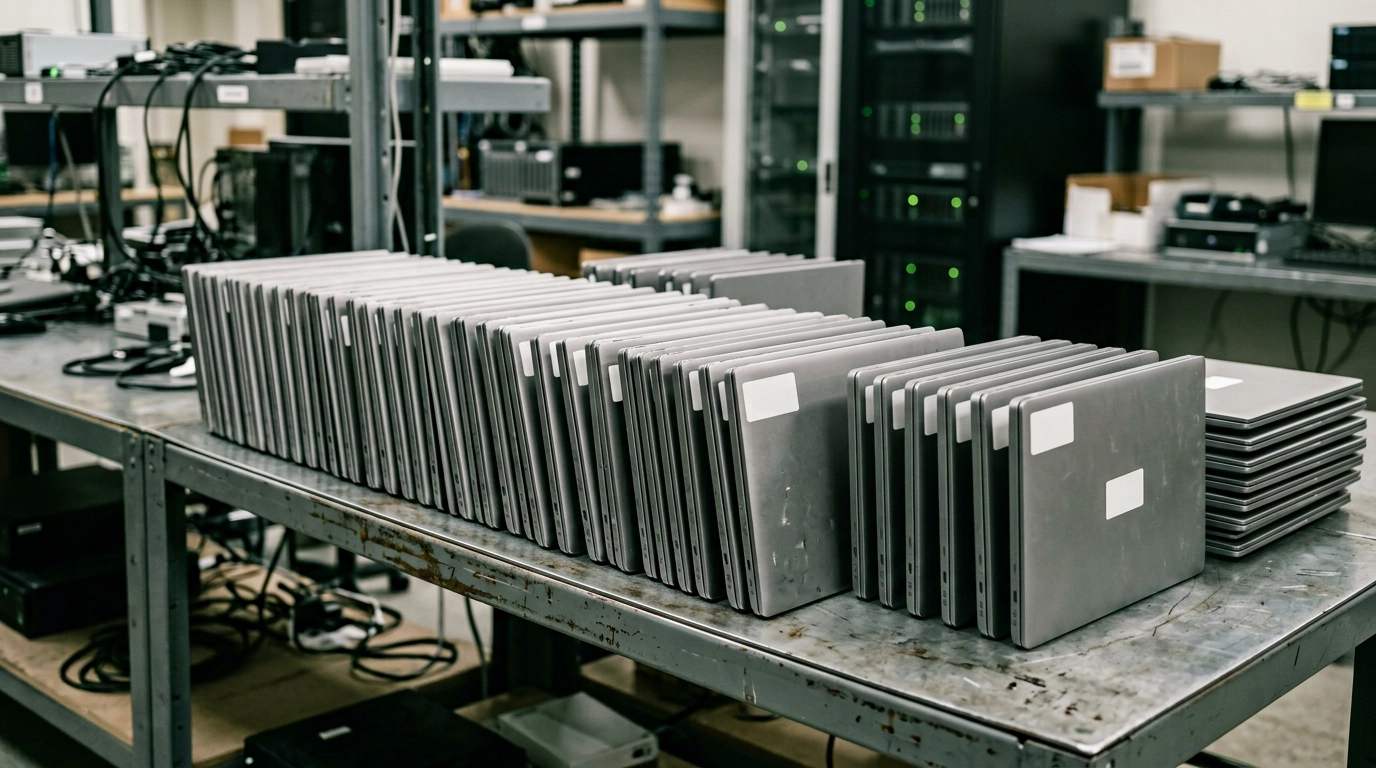

The UK's National Cyber Security Centre says it has seen a marked rise in AI-assisted cyber attacks since September. One detail in its new advice should make every business look in the cupboard: the services broken into are sometimes ones the organisation had forgotten it was running, such as old websites and legacy equipment.
This piece sets out what the NCSC said this week, in plain English, and what it means for the old systems and old kit that nobody has got round to retiring.
What the NCSC said
On 24 November the NCSC published new advice on what it calls "agentic offensive frameworks". In short, these are tools that let an AI model use ordinary security testing software to look for weaknesses, read the results and decide what to try next. Much of this software was built for authorised testing, and attackers are now using it.
The NCSC says organisations across multiple sectors have reported incidents. Some led to services going down, and some to systems being broken into, giving attackers a foothold for further activity.
The agency is just as clear about what is not new. In its words, "none of the weaknesses being exploited are new or novel". What has changed is how quickly and persistently attackers can work, at low cost. The tool "moves from discovery to exploitation in minutes" and "will try every endpoint, parameter and credential it finds".
The examples it gives are familiar ones: passwords and keys left in code by mistake, badly configured cloud settings, default passwords or no login at all, and weaknesses in the connections that let one system talk to another. It describes many of these as the result of years of built-up technical debt.
The forgotten system
The first question the NCSC asks is "Do you know what's exposed?" The tools start by mapping every device and service they can reach, so you should know what you have facing the internet and who is responsible for each item.
Then comes the line that matters most for this site's readers. "Services successfully compromised by agentic offensive frameworks are sometimes those that an organisation has forgotten about such as old websites and legacy equipment."
The wording is careful: sometimes, not always. But it names a problem most organisations will recognise. A website built for a campaign that ended years ago. A remote access box left running after staff moved to something else. An old server kept on "just in case" after the data moved. None of these has an owner who checks it, and nobody notices when it is probed.
Switched off is not the same as retired
The NCSC advises taking services off the public internet where you can, so that only signed-in users can reach them. It says that in most organisations, most of those services can be locked down quickly. That is the right first move for anything you still need.
For the things you no longer need, our view is that locking down is only a halfway point. A system that is unplugged and left on a shelf can be plugged back in. It still holds its data, and it may still hold passwords and keys that work on systems you do use. The NCSC's advice notes that these tools try every credential they find, and that many accounts have more access than they need. An old login that nobody cancelled is exactly the kind of thing worth removing.
Retiring a forgotten system, in five steps
These steps are our own, not the NCSC's.
- Find it. Ask your IT provider for a list of everything of yours that can be reached from the internet, including old websites, test systems and remote access devices. Compare it with what you thought you had.
- Give each item an owner and a verdict. Keep it and maintain it, lock it down, or retire it. "We are not sure what it does" is a reason to investigate, not to leave it alone.
- Cut its access. Take it offline, remove the web address that points to it, and cancel the passwords, keys and accounts it used. Changing a password it shared with another system matters as much as switching it off.
- Deal with the data. Decide what must be kept and move it. Then have the rest deleted. On your own hardware that means wiping or destroying the storage; in the cloud it means deleting the stored data, backups and copies included.
- Write it down. Record what was retired, when, what happened to its data and where any hardware went. It saves the next person from wondering whether that box in the cupboard still matters.
If old hardware is part of the picture, our guide to retiring routers, firewalls and switches covers what network equipment can still hold. We also wrote about the NCSC's earlier warning on "tech on the cheap", which this advice follows.
If you run a small business
The NCSC wrote this advice for cyber security professionals, and parts of it are technical. A smaller business does not need to master it. It does need to ask whoever looks after its IT three things this week: what of ours can be reached from the internet, which of those do we still need, and who is going to switch off and clear the rest. The NCSC points to Cyber Essentials as the government's recommended minimum set of technical controls, and that is a sensible place to start for the systems you keep.
For disclosure, Nanosoft provides data centre and server decommissioning and secure data destruction, so weigh the above accordingly. Every fact here can be checked against the NCSC's article, as it stood on 26 November 2026.
The honest summary
The NCSC is not describing new weaknesses. It is describing old ones being found much faster. A forgotten system could once sit unnoticed for years. The agency's warning is that a forgotten key or an unprotected connection can now be found in minutes. Find yours first, and retire what you do not need.
Nanosoft Team
Writer at Nanosoft - covering ITAD, data security, and sustainable technology lifecycle management.
Found this useful? Share it.