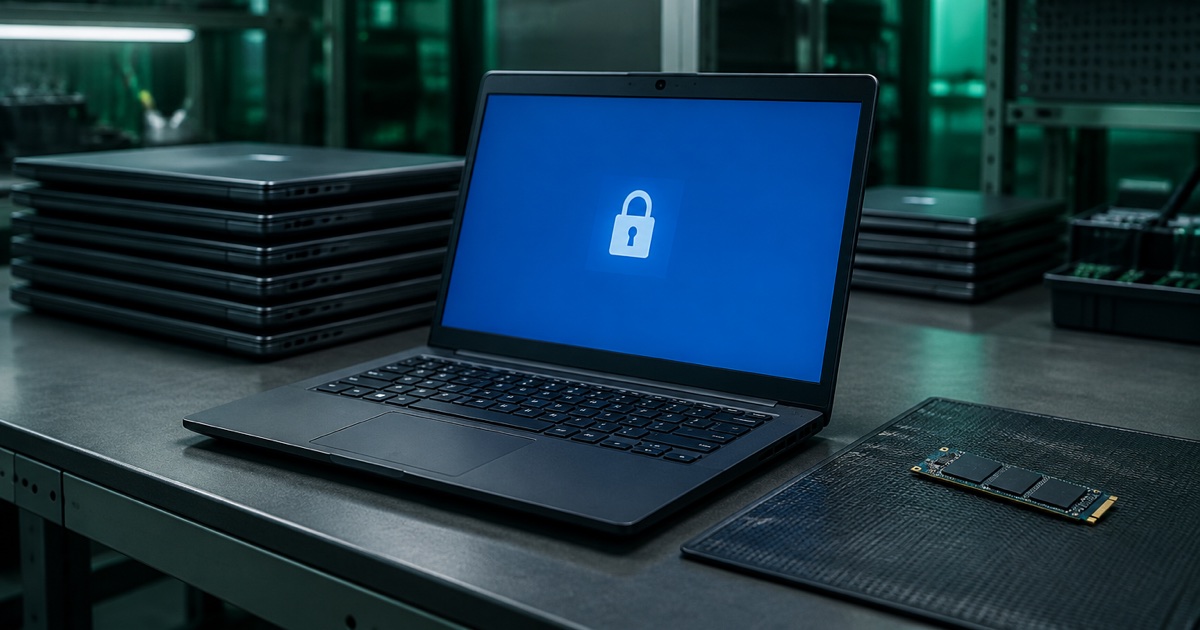

The boardroom screen, the Teams Room console and the interactive display in the training suite all look like furniture. They are Windows computers with a drive, joined to your accounts, and when the room is refitted they tend to leave the building on nobody's list.
This piece covers why retired meeting-room devices need the same care as laptops, why "reset" means different things on different screens, and what to do before one is collected.
A screen on the wall is still a computer
Microsoft's Surface Hub is a good example. Its reset documentation for the original Surface Hub lists what a reset removes: local user files and configuration data, the device account, account data for local administrators, domain-join or Microsoft Entra join data, MDM enrolment data, and configuration set by MDM or the Settings app. That is a list of what the device was holding.
There is also a lifecycle prompt. Microsoft's reset page for Surface Hub 2S and 3 says support for Hub 2S devices running Windows 10 Team edition ends on 14 October 2025, a date that has now passed, and that there is "no extended support option for Windows 10 Team edition". Microsoft recommends moving to Microsoft Teams Rooms on Windows. Some of those screens will be migrated. Some will be replaced.
Microsoft also sells a Hub 3 Compute Cartridge that extends the life of an existing Hub 2S. That leaves an old cartridge, and in its FAQ for the Hub 3 pack Microsoft says you can send it back for recycling if you wish, with a warning: "Before recycling your Surface Hub 2S cartridge, first remove the hard drive and delete any corporate data."
When the manufacturer's own recycling instruction starts with removing the drive, that tells you how much trust to place in the device once it leaves your hands.
"Reset" is not one thing
Three different resets appear in Microsoft's documentation, and they do different jobs.
- Reset Device in Teams Rooms. Microsoft's operations guide describes it as a fix for a room that is not running well. It clears "the device credentials" and returns the Teams Rooms application to default settings. It is a troubleshooting step, not a disposal step.
- Settings reset on a Hub 2S. You need the BitLocker key, and the Hub then reinstalls the operating system from the recovery partition. Microsoft says to retire and delete the previous record in Intune or your MDM, and enrol the device again if it is staying in service.
- Recovery from a USB drive. This is the option where Microsoft's steps tell you to select "Fully clean the drive". On the original Surface Hub the same wording appears in the recovery menu path: Reset, Local reinstall, Fully clean the drive.
For a Teams Rooms device that needs a full factory reset, Microsoft's recovery tool page, updated this month, asks for the recovery tool first, then Windows Reset PC with "Remove everything". It warns that using Windows reset without the tool removes the Teams Rooms application, and that choosing "Keep my files" can make the device unusable.
Resets also take time and cannot be interrupted. Microsoft says a reset of the original Surface Hub can take up to six hours, and interrupting it leaves the device inoperable and in need of warranty service.
Our reading is that these resets are designed to return a room to a working state. None of the pages we read describes them as sanitisation evidence for disposal. That is a different question, and it is the one your auditor will ask.
What to do before a room device is collected
- List every room device. Walk the building. Include screens, cartridges, consoles, conference phones and any small PC mounted behind a display. In our experience these are often missing from asset registers after fit-outs, though that is our observation, not a statistic.
- Remove it from your management systems. Retire and delete the device record in Intune or your MDM, as Microsoft advises, and disable or delete the room account the device used to sign in.
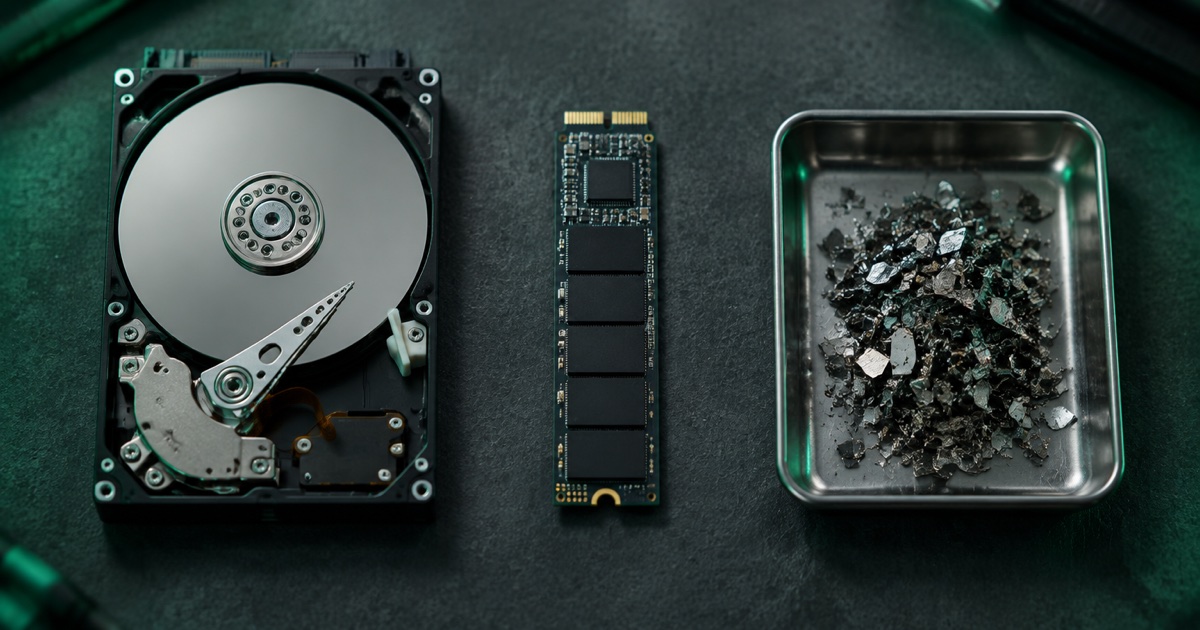
- Do not rely on a reset alone for sensitive rooms. Boardrooms, legal, HR and finance meetings leave data behind. For those, treat the device as you would a laptop: certified erasure to a named standard, or physical destruction of the drive.
- Take care with BitLocker. The Hub reset steps ask for the key, but encryption on its own is not a sanitisation method. We explain why in our article on retiring BitLocker-encrypted PCs.
- Record it by serial number. The device, the method, the date and the result should sit on your disposal record like any other data-bearing device. Our ITAD documentation checklist lists what that record should hold.
The same logic applies to the other devices people forget. We have covered leased printers and copiers, routers, firewalls and switches, backup tapes and business phones. If you are clearing a whole floor, our guide to office IT clearance gives the order of work.
The honest summary
A meeting-room screen holds accounts, credentials and configuration, and some hold more. A reset is a repair tool, and different resets do different things. Before one leaves your site, take it off your management systems, destroy or erase the drive to a standard you can name, and put its serial number on the record.
Nanosoft Team
Writer at Nanosoft - covering ITAD, data security, and sustainable technology lifecycle management.
Found this useful? Share it.