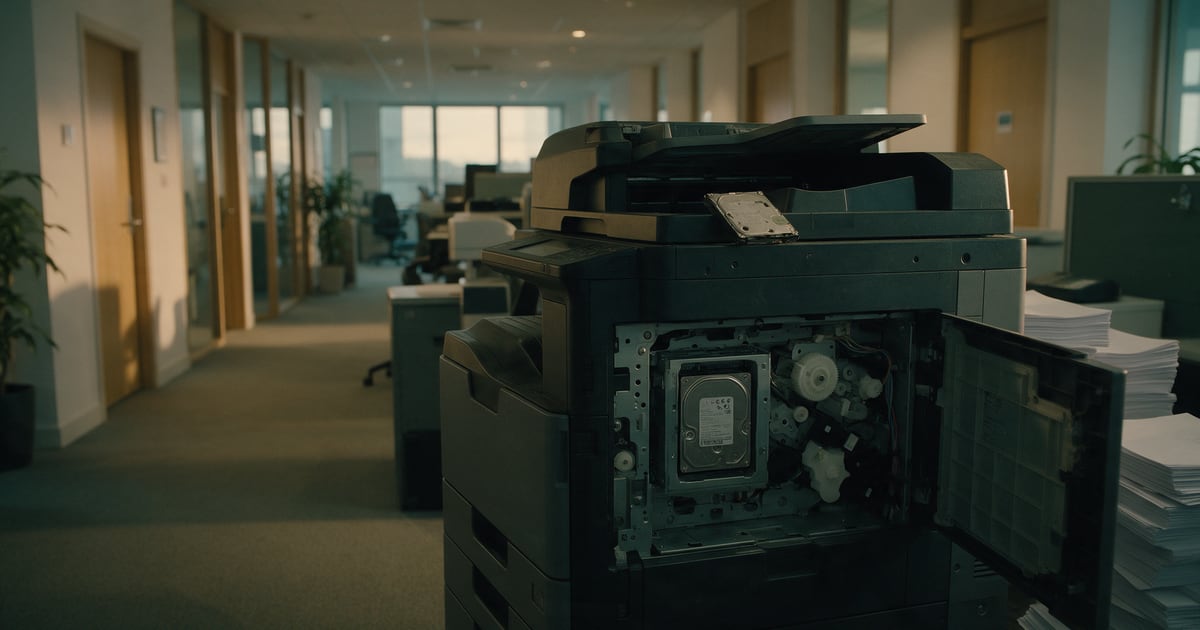
Most offices lease their printers. When the lease ends, the machine goes back to the dealer, and anything stored inside it goes too. A modern multifunction printer is a networked computer with storage, and returning it is a data disposal, even if nobody in the office thinks of it that way.
This piece covers what these machines can hold, the case that showed what happens when nobody checks, what the UK regulator has said, and why a factory reset may not be the end of the matter.
What a multifunction printer keeps
A device that prints, copies, scans and faxes processes every page that passes through it. Depending on the model and its settings, its storage can include images of copied and scanned pages, stored print jobs, the address book used for scan-to-email, the settings and passwords it uses to save scans to shared folders, and fax logs.
NIST SP 800-88 Revision 2, the US federal guideline on media sanitisation published in September 2025, lists "office equipment" alongside hard drives, SSDs and phones as information storage media. It even counts printer and fax ribbons and drums as hard copy media.
The case that made the point
The best documented example is American. In 2013 the US Department of Health and Human Services settled with Affinity Health Plan for $1,215,780. HHS found that Affinity disclosed the health information of "up to 344,579 individuals when it returned multiple photocopiers to a leasing agent without erasing the data contained on the copier hard drives."
The findings went further than the missed wipe. HHS said Affinity had not included the data on its copiers' hard drives in its risk analysis, and had no policies for returning those drives to its leasing agents. Those are process failures, and they are the ones worth copying the lesson from.
What the UK regulator said
The ICO covered the same ground in its 2012 guidance on IT asset disposal. The document was written under the Data Protection Act 1998 and is no longer on the ICO website, but the UK Government Web Archive keeps a copy. Its advice on leased equipment is direct:
If you lease equipment such as printers, check what the leasing company will do with the equipment when it is returned. In particular, check to see if it wipes personal data from devices before these are resold or recycled.
It adds that "You may need to delete information contained on the hard drives of items such as printers before they are returned to the leasing company and recycled." The law has changed since then, but under UK GDPR the duty to keep personal data secure still applies until the data is gone, whoever owns the machine.
Why a factory reset may not be enough
Many devices offer a reset or "initialise" option, and it is tempting to treat that as the wipe. NIST is careful about what it achieves. For office equipment that "only provides the ability to return the ISM to its factory state," it says manufacturer resets "may be the only clear sanitization technique options."
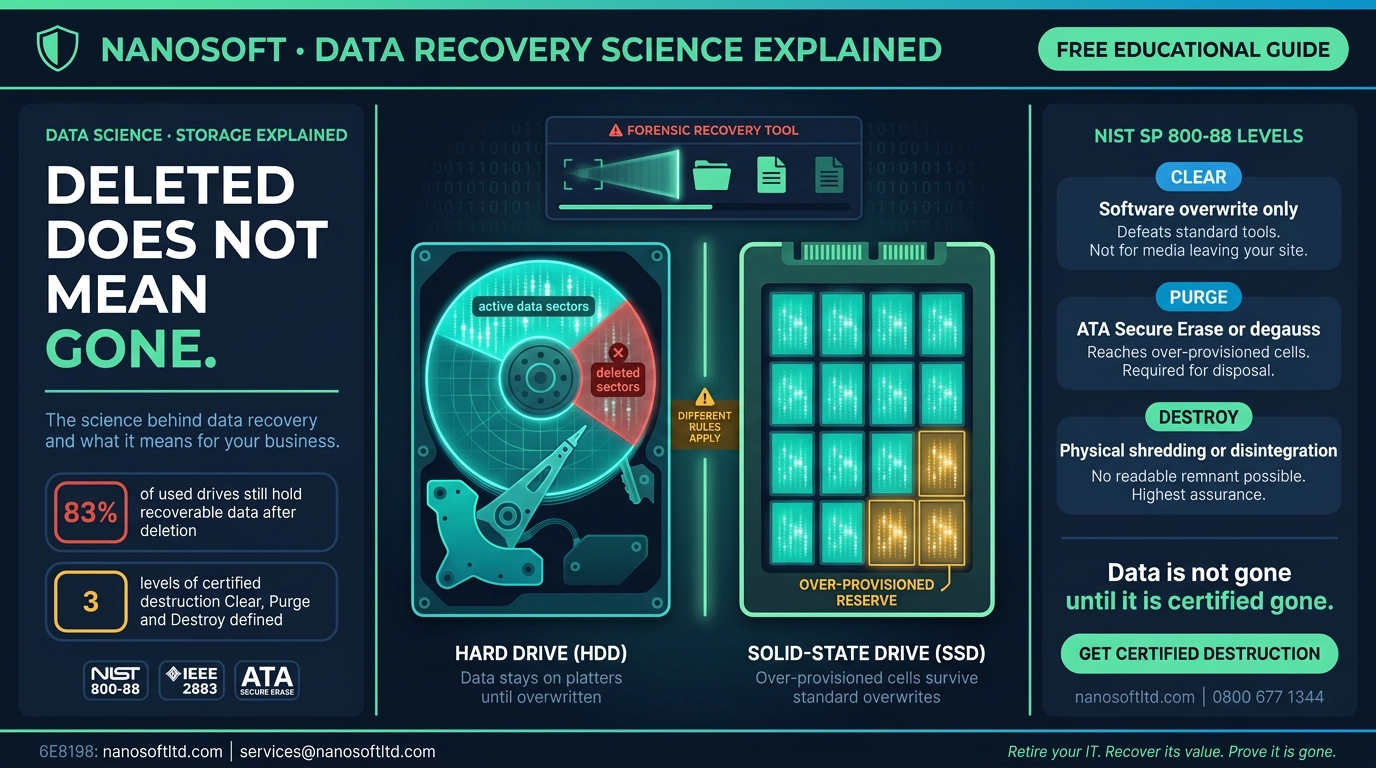
Clear is NIST's lowest level. It protects against someone using the machine's own menus to get at old data, "as long as the device interface available to the user does not facilitate retrieval of the original data." It is not designed to stop someone who removes the storage and reads it directly. For that, NIST's advice is plain: "When possible, the purge sanitization method should be used instead of the clear sanitization method."
The type of storage matters too. Older machines used hard drives. Many newer ones use flash storage, and NIST warns that applying old overwrite habits to flash "can be exposing their data to increased risk of unintentional disclosure." An overwrite setting designed for a spinning disk may not reach everything on a flash chip.
Our reading: a factory reset is a reasonable first step and the minimum before a device leaves your control. For a machine that has copied payroll, HR or client files for five years, it should not be the only step.
Before the lease ends: a checklist
- Read the data clause in the lease. Find out what the dealer or leasing company does with returned machines, which standard it erases to, and whether it gives you a certificate per device.
- Find out what storage is inside. Hard drive, flash or both, and whether the device has encryption or overwrite features switched on.
- Clear the device yourself. Remove stored jobs and address books, delete saved scan-to-folder and scan-to-email credentials, then run the manufacturer's reset.
- Change the passwords it used. If the printer logged in to a shared folder or mail server, change that account's password once the machine has gone.
- Decide about the storage itself. Either get written evidence that it was purged or destroyed, with the device serial number, or arrange to keep or destroy the drive before the machine is returned.
- Add printers to your asset register. HHS criticised Affinity for leaving copier drives out of its risk analysis. Printers belong on the same list as laptops.
Our ITAD documentation checklist covers the paperwork, and our piece on what NIST 800-88 Rev. 2 actually says explains Clear and Purge in more detail.
The honest summary
A leased printer is easy to forget because it never feels like yours. But the data on it is yours, and so is the responsibility for it. Treat the end of a lease like any other device disposal: know what storage is inside, clear it, get the storage purged or destroyed with evidence, and change the credentials it used. The machine can go back to the dealer. Your data should not go with it.
Nanosoft Team
Writer at Nanosoft - covering ITAD, data security, and sustainable technology lifecycle management.
Found this useful? Share it.