Microsoft holds a Windows and Surface event on 7 October, with NVIDIA's RTX Spark expected to feature. A month later, commercial Windows 10 Extended Security Updates enter their second year and the per-device price doubles. Between the two, a lot of Windows machines are about to be retired. On some of them, the common shortcut of deleting the BitLocker key will not erase what you think it erases.
The reason is in Microsoft's own documentation, and it turns on a detail most fleets never recorded: when encryption was switched on, relative to when the data arrived.
Why deleting the key usually works
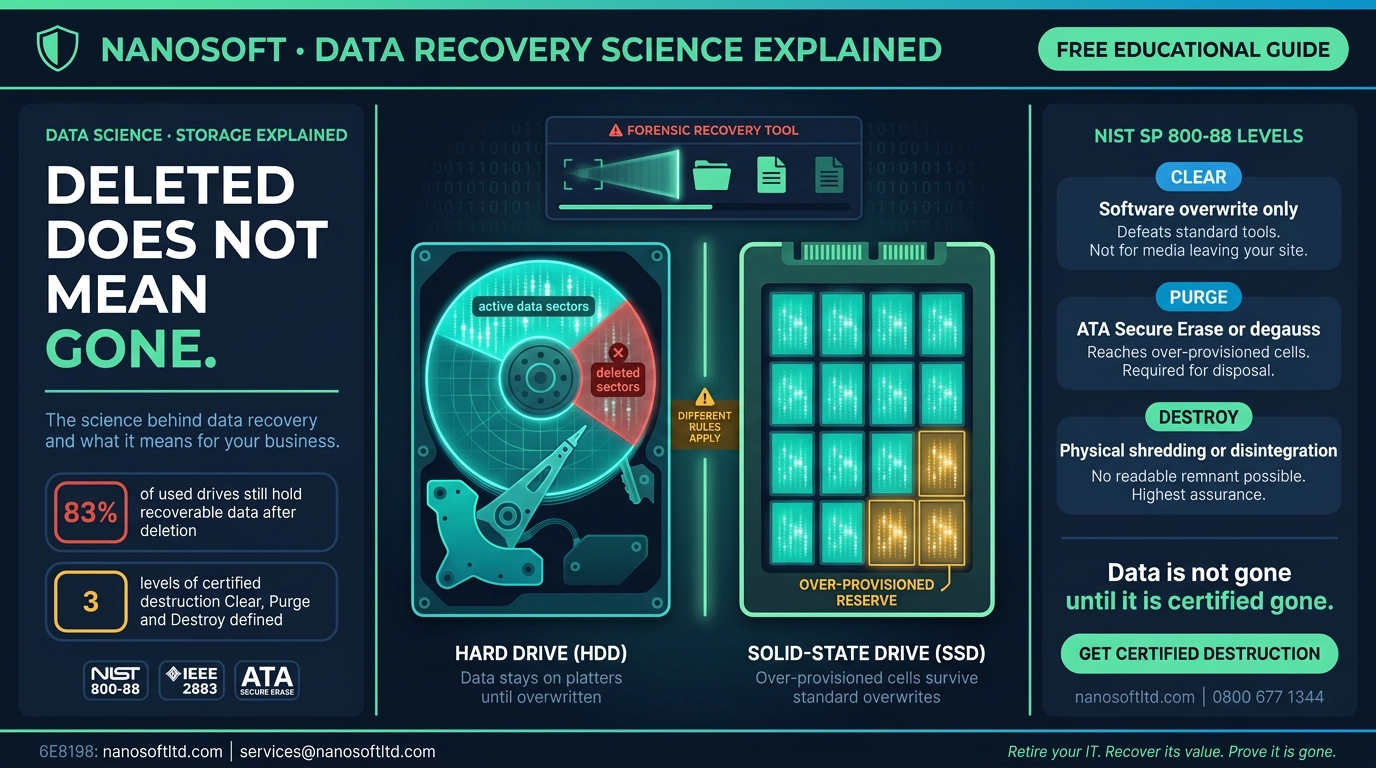
BitLocker encrypts a volume with a key. Destroy every copy of that key and the ciphertext left on the drive is unreadable. This is cryptographic erase, and NIST SP 800-88 Revision 2 treats it as a legitimate purge technique.
But NIST attaches a pre-condition that is easy to read past:
no sensitive data has previously been stored on the ISM in plaintext form (i.e., not encrypted) as CE can only sanitize keys related to encrypted data.
Crypto erase can only remove what was encrypted. Anything written before encryption began is outside its reach.
The setting that decides it
When BitLocker is turned on, Windows offers two options. Microsoft describes the faster one plainly: "With Used Disk Space Only, just the portion of the drive that contains data are encrypted. Unused space remains unencrypted."
On a brand-new drive that is harmless, because everything written afterwards is encrypted. On a drive that already held data, Microsoft's planning guide carries an explicit caution:
When using used space encryption, sectors where previously unencrypted data are stored can be recovered through disk-recovery tools until they're overwritten by new encrypted data.
Deleted files are exactly that kind of sector. The file system treats them as free space, so a used-space-only pass never touches them. Microsoft recommends full drive encryption for drives "that have been repurposed, and might contain data remnants from their previous use."
Our reading of the two documents together: on a volume where BitLocker was switched on after confidential data was already there, deleting the BitLocker key does not meet NIST's condition for that volume. The earlier plaintext may still be sitting in what the file system calls free space.
Why the new machines are cleaner
The PCs arriving this autumn start from a different place. From Windows 11 version 24H2, Microsoft says, "the prerequisites of DMA and HSTI/Modern Standby are removed. As a result, more devices are eligible for automatic and manual device encryption."
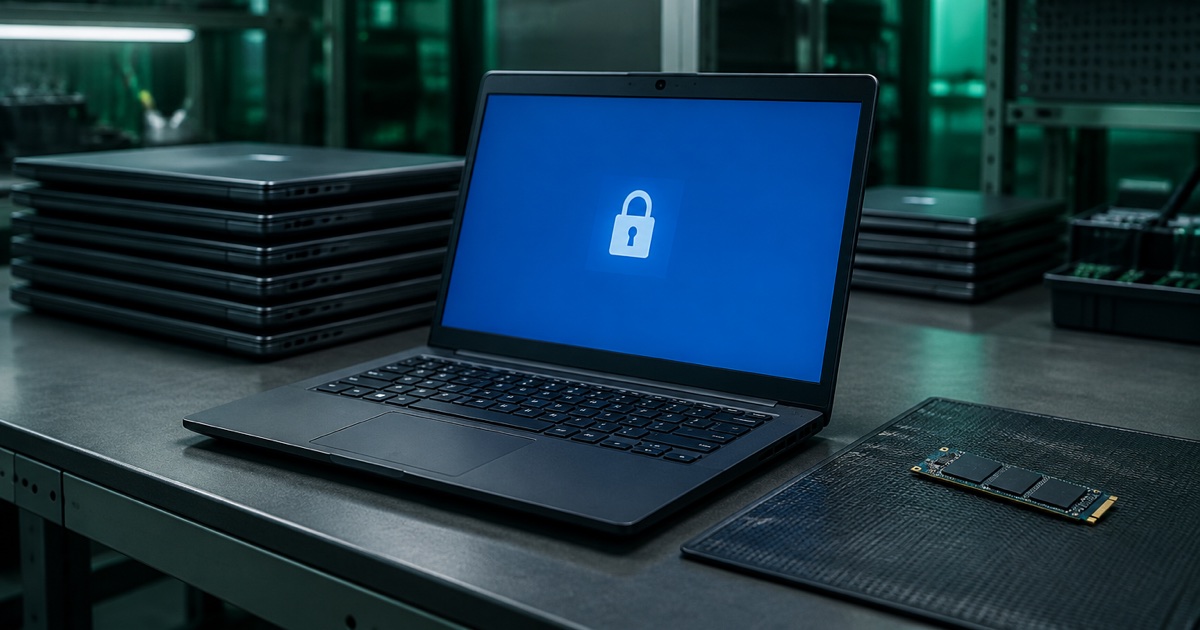
Microsoft says device encryption is initialised as the device is prepared for first use, once a clean installation and its first-run setup are complete. On a machine set up that way, data is encrypted from the start of its working life, which is the situation NIST's condition is written for.
One caveat from the same page: if a device uses only local accounts, Microsoft says it "remains unprotected even though the data is encrypted." Encrypted is not the same as protected until the key is properly secured.
| New PC, device encryption from first use | Older PC, BitLocker switched on later, used space only | |
|---|---|---|
| When encryption began | As the device is prepared for first use | After data was already on the drive |
| Plaintext ever on the volume | Not expected, on a clean installation | Possibly, in what is now free space |
| Deleting the BitLocker key meets NIST's condition | It can, if every copy of the key is also sanitised | No, for that volume |
| Recovery keys stored elsewhere | Yes: Entra ID, AD DS or a Microsoft account | Often, and AD DS keeps old entries by design |
| Safer route at retirement | Key sanitisation including stored copies, or the drive's own sanitise command | The drive's own sanitise command if it is self-encrypting, otherwise a purge-level overwrite |
The copies you forgot you kept
Crypto erase has a second condition. NIST says it "should not be trusted on ISM that have been backed up or escrowed unless the organization has a high level of confidence regarding how and where the keys were stored and managed outside of the ISM." It also cites ISO/IEC 27040: "all copies of the target cryptographic keys must be able to be sanitized."
BitLocker is designed to make copies. Device encryption backs the recovery key up to Microsoft Entra ID, Active Directory or the user's Microsoft account. And Microsoft's FAQ is direct about what happens in Active Directory:
By design, BitLocker recovery password entries don't get deleted from AD DS. Therefore, multiple passwords might be seen for each drive.
So if deleting the BitLocker key is your erase method, the recovery passwords sitting in your directory are part of what has to be dealt with. A laptop can leave the building with its local key destroyed while a working recovery password for it is still on a domain controller.
The other layer
None of this means the older machines cannot be crypto erased. It means BitLocker may be the wrong layer to do it at.
Many drives encrypt everything internally in hardware, regardless of what Windows is doing. NIST describes self-encrypting drives as having encryption that is "always active and encrypts all data stored on the ISM", and notes they "typically include sanitization capabilities as well." NIST's own FAQ goes as far as describing all modern SSDs as self-encrypting.
On a drive like that, the drive's own sanitise or crypto erase command destroys the internal media key underneath BitLocker. When BitLocker was switched on stops mattering, because the drive was encrypting from its first write. Two cautions apply. Not every drive is self-encrypting, so check the model rather than assuming. And NIST notes that dedicated sanitise commands "require trust and assurance from the ISM vendor that the commands have been implemented as expected."
What to record before the old fleet leaves
Microsoft's own BitLocker planning checklist asks a question many organisations skip: "What policies exist to control the decommission or retirement of devices?" Four things per machine answer most of it.
How encryption started. Device encryption from first use, or BitLocker added later. If later, whether it was full drive or used space only.
What the drive is. Self-encrypting or not, by model, because that decides whether a drive-level crypto erase is available.
Which erase was used. BitLocker key sanitisation, the drive's own sanitise command, or an overwrite, recorded against the serial number.
What happened to the stored recovery keys. Especially in Active Directory, where old entries do not remove themselves.
The honest summary
Deleting the BitLocker key is a fast and legitimate erase when the data was encrypted from the start and every copy of the key goes with it. On the new machines arriving this autumn, that is often the case.
On the machines they replace, it frequently is not. BitLocker may have been switched on years after the data arrived, with used-space encryption leaving earlier sectors in plaintext, and with recovery passwords that Active Directory keeps by design.
The fix is not complicated. Erase at the drive layer where the drive supports it, use a proper purge where it does not, and deal with the escrowed keys. The mistake is assuming that because a machine says BitLocker is on, deleting the key settles the matter.
Nanosoft Team
Writer at Nanosoft - covering ITAD, data security, and sustainable technology lifecycle management.
Found this useful? Share it.