
On 3 November 2026 the government announced a 75% discount on Cyber Essentials certification for micro, small and medium-sized businesses, meaning they could pay "as little as £80 and no more than £125 (plus VAT)". That makes the scheme a realistic first step for a small firm. It is worth knowing what the scheme asks of your old equipment, and what its rules do not mention at all.
This piece sets out the offer, what the current requirements say about unsupported and unused kit, what they leave out, and five steps that connect the two.
What was announced
The government announcement describes a Cyber Essentials First Step Fund: a 75% discount on a new certification for micro, small and medium-sized UK businesses that have not been certified in the last four years. It is backed by £2.4 million, runs on a first-come, first-served basis, and is available until March 2027 or until the funding runs out. The government estimates about 6,000 businesses could benefit. A separate grant, worth up to £7 million, would fund first-time certification for small suppliers nominated by organisations that have signed the Cyber Resilience Pledge.
The announcement also says organisations with Cyber Essentials and a turnover under £20 million receive up to £25,000 of cyber liability insurance. Check the policy terms before relying on that.
What the requirements say about old technology
The scheme's Requirements for IT Infrastructure, version 3.3 (April 2026), cover three points that matter for ageing kit.
- Scope covers devices that are still connected. The requirements apply to in-scope devices that can accept incoming connections from the internet, can make outbound connections via the internet, or control the flow of data between the two. "Devices" includes "all types of hosts, networking equipment, servers, networks, and end user devices". If you certify the whole organisation, an old router in a cupboard that is still switched on is part of it.
- Unsupported software must go or be isolated. All software on in-scope devices must be "licensed and supported". It must be "removed from devices when it becomes unsupported", or "removed from scope by using a defined sub-set that prevents all traffic to or from the internet". Critical and high-risk updates must be applied within 14 days.
- Unneeded accounts must be closed. User accounts must be removed or disabled "when they're no longer required", for example when someone leaves.
The requirements also say asset management is not a specific control but can help meet all five. They describe it as helping you "track and control devices as they're introduced into your business".
What the requirements do not say
We searched the full text of version 3.3. It does not mention disposal, decommissioning, wiping, erasure, sanitisation or retiring equipment. The asset management passage speaks of devices being introduced, not leaving. That is not a criticism: Cyber Essentials is a baseline for the technology you operate, and a certificate shows that your live estate meets five technical controls. It does not show what happened to a laptop after it left your building. The rest of this piece is our reading.
Five steps that join the two
These are our suggestions, not NCSC or scheme guidance.
- List every device before you define scope. The scheme asks you to define a scope boundary, and you cannot do that with kit you have not counted. Our piece on GCHQ's unaccounted removable media covers why a register matters.
- Flag anything out of support. The scheme's own choice is to remove the software or keep it off the internet. For hardware that cannot be updated, replacing it is the simpler route. Our articles on Windows 10 and Windows Server 2016 end of support cover two common cases.
- Disable the accounts tied to retired kit. This follows the user-account requirement. A wiped device can still leave a signed-in account behind.
- Erase and record before anything leaves the building. This step sits outside the certification, which is why it needs its own owner. A record per device is stronger than a bulk statement, as our article on spotting a fake certificate of destruction explains.
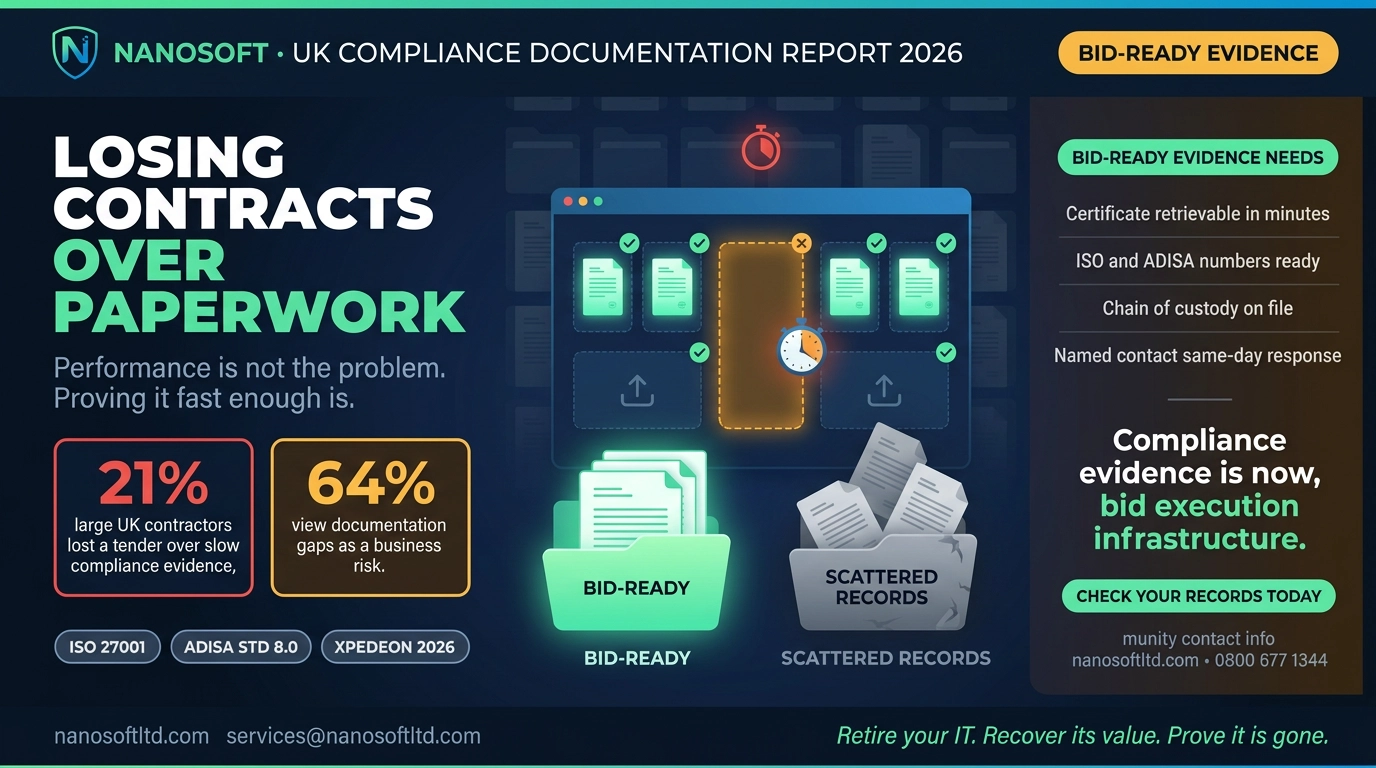
- Keep the evidence together. A buyer asking for Cyber Essentials may also ask what you do with retired equipment. Our piece on disposal evidence that wins contracts covers what they ask to see.
For disclosure, we are an IT disposal company, so weigh the list above accordingly. Every quotation here can be checked against the pages linked in the text, and none of it is advice on whether your business should certify.
The honest summary
The discount makes Cyber Essentials cheaper for a limited time. The scheme asks you to keep software supported, keep unsupported software off the internet or remove it, and close accounts you no longer need. It says nothing about what happens when a device finally leaves. If you certify this winter, plan for that step too, and keep a record of it next to the certificate.
Nanosoft Team
Writer at Nanosoft - covering ITAD, data security, and sustainable technology lifecycle management.
Found this useful? Share it.