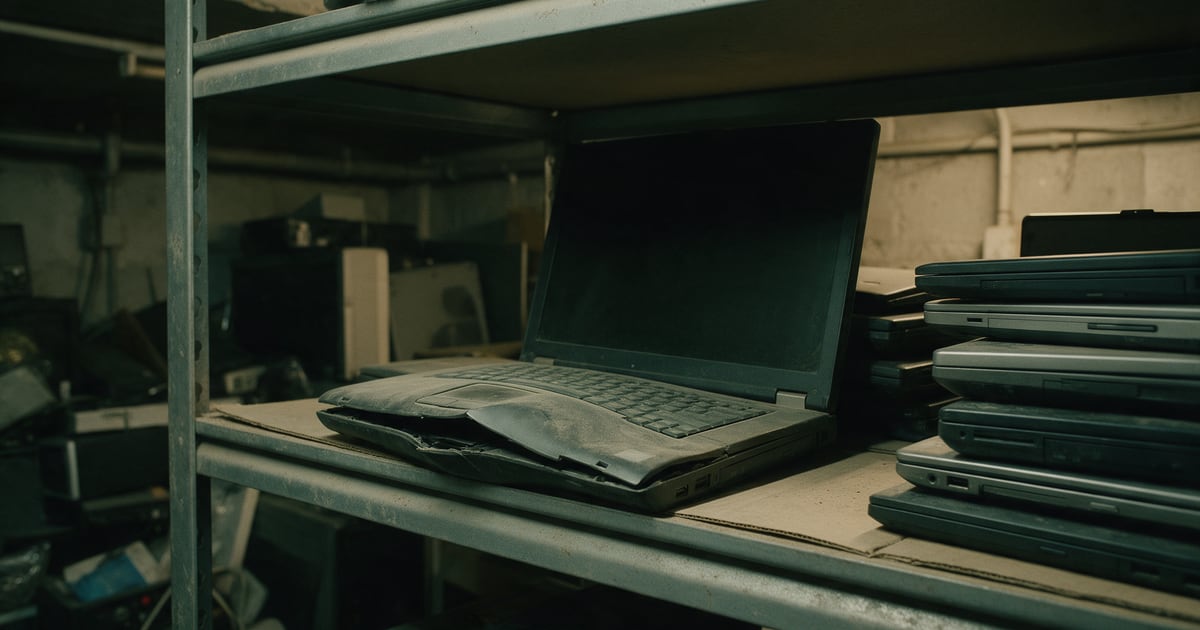
Every office with a cupboard of retired laptops eventually finds one that will not close properly, a trackpad pushed up from below or a case split along the seam. That is a swollen lithium-ion battery. It is the most dangerous thing in the cupboard, and it still has your data on it.
This piece covers why swollen batteries matter, how to store retired kit safely while it waits for collection, and why a damaged device still needs proper data destruction.
Why a bulging case matters
The Department for Transport's guidance on transporting electrical waste, revised in January 2026, describes what a damaged or defective battery looks like: "scorch marks, evidence of the electrolyte having leaked or the case having bulged / expanded."
The risk is thermal runaway. The DfT describes it as "chain exothermic reactions within the battery" that cause "a sharp rise in the internal battery temperature", ending in the failure of the battery. In practice that can mean smoke, intense heat and fire that is hard to put out.
The scale is not small. The same guidance says lithium batteries are responsible for "approximately 48% (over 200) of all waste fires occurring in the UK each year with a cost of £158 million annually to waste operators, the emergency services and the environment."
Lithium-ion batteries are classed as non-hazardous waste under the GOV.UK classification rules, as we noted in our guide to business IT waste. That classification is about waste paperwork. It says nothing about whether a battery can catch fire.
What not to do with a swollen device
- Do not charge it or switch it on. Unplug it if it is connected, and leave it off.
- Do not press, squeeze or try to close the case. Pressure on a swollen cell is exactly what you want to avoid.
- Do not try to remove a swollen battery yourself unless you are trained and equipped to do it.
- Do not put it in a general waste bin or a mixed recycling bag, where it can be crushed in a vehicle.
- Do not leave it in the pile. A damaged device stacked under twenty others is the worst place for it.
How to store retired kit while it waits
The Environment Agency published new storage standards for waste batteries in May 2026. They are written for permitted waste sites, not offices, but they are a sensible benchmark for anyone holding old IT.
The starting point: "Where lithium batteries are stored, these must be recognised as a fire hazard, marked, and stored accordingly. For example, with adequate fire breaks and away from potential ignition sources and other combustible material."
The guidance asks for batteries to be protected from liquids, physical damage, short-circuiting and heat. Loose lithium batteries go in rigid, lidded containers that are non-conductive or lined, kept closed, in a cool, dry, well-ventilated place away from heat and anything that burns. Terminals should be insulated where possible, and batteries packed so they cannot short, for example with vermiculite.
Translated to an office, our suggestions:
- Do not let retired kit build up for months. Book collections regularly.
- Store it away from paper, cardboard and packaging, and away from heaters and direct sun.
- Keep damaged or swollen devices apart from the rest, in a lidded non-combustible container with a non-conductive lining, and label them.
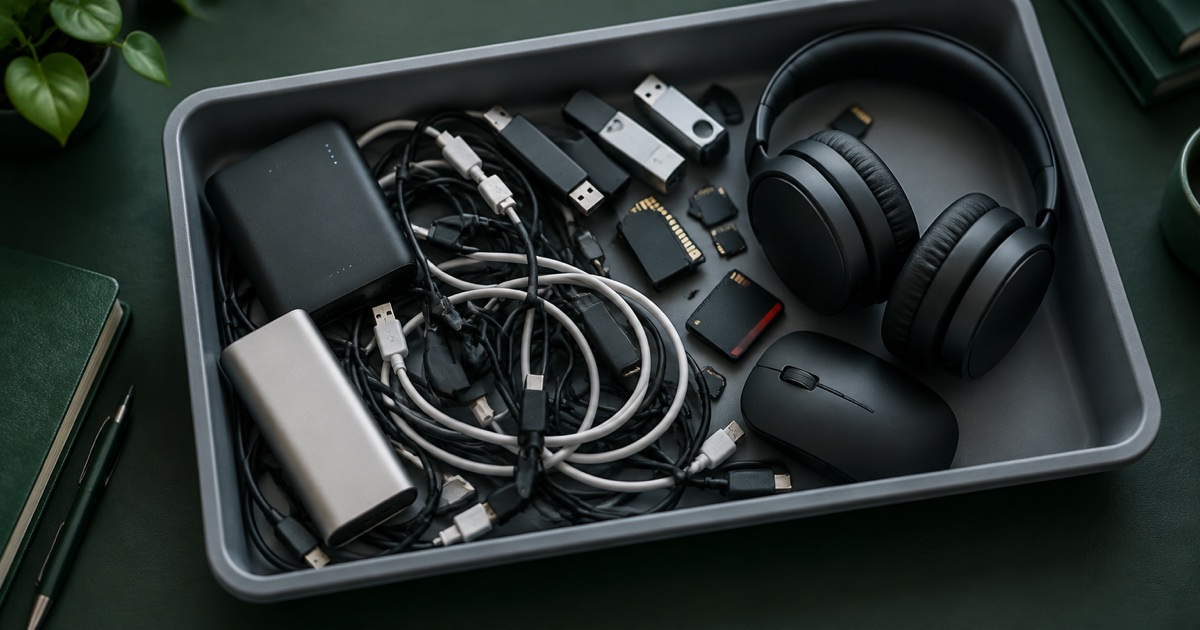
- Tape over the terminals of any loose batteries, or bag them individually, so they cannot short against each other.
- Make sure whoever looks after the cupboard knows what a swollen battery looks like.
Tell your collector before the van arrives
Carrying lithium batteries by road is regulated under ADR, the international agreement on dangerous goods. The DfT guidance refers to its specific provisions for batteries in waste equipment, including special provision 376, which covers damaged or defective batteries. Packaging, marking and paperwork can all change once a battery is known to be damaged.
You do not need to work out the rules yourself. You do need to tell your collector, before the collection, that the load includes swollen or damaged devices and roughly how many. That lets them bring the right containers and carry the load lawfully.
Dangerous does not mean data-free
A laptop with a split case and a dead battery often gets treated as scrap. But a failed battery does not erase the storage. The drive often still works, and it holds the same data as the day the laptop stopped working.
Data destruction still applies. Depending on the device and the state of the battery, that may mean removing the storage safely and destroying it, or destroying the whole device in a controlled way. Either way, it should appear on your disposal record by serial number, like any other device. Our ITAD documentation checklist covers what that record should include.
The honest summary
A swollen laptop is a fire risk that happens to contain data. Do not charge it, do not squeeze it and do not bury it in the pile. Keep it separate in a lined, lidded, non-combustible container, tell your collector in advance, and make sure its storage is destroyed with evidence like everything else.
Nanosoft Team
Writer at Nanosoft - covering ITAD, data security, and sustainable technology lifecycle management.
Found this useful? Share it.